
Tutorials / Basics
Adding your sub and setting rules
Your sub signs up and shows you their collar – scan it to claim them, then set rules, items and titles.
Collaring your sub
- Your sub signs up themselves as Submissive – with their own email address and password (or with Google, Apple or X). The account is theirs.
- After signing up they see their collar: a padlock, still open, with a code in it.
- You scan the lock with your phone camera – or type the code shown under it on My subs → Add a sub. You see who it is and close the lock.
- On their screen the padlock closes too. From now on they belong to you.
Rules, titles and what they may use
Open your sub's profile to:
- give them a title (Pet, Kitten, Slave …) and a display name,
- write rules – they see them on their home screen,
- choose which items are available to them (a toy that lives at your place might not be available for remote tasks),
- note what they are wearing right now, so the planner knows it,
- set which body parts they have (optional), so nothing is planned that doesn't fit their body.
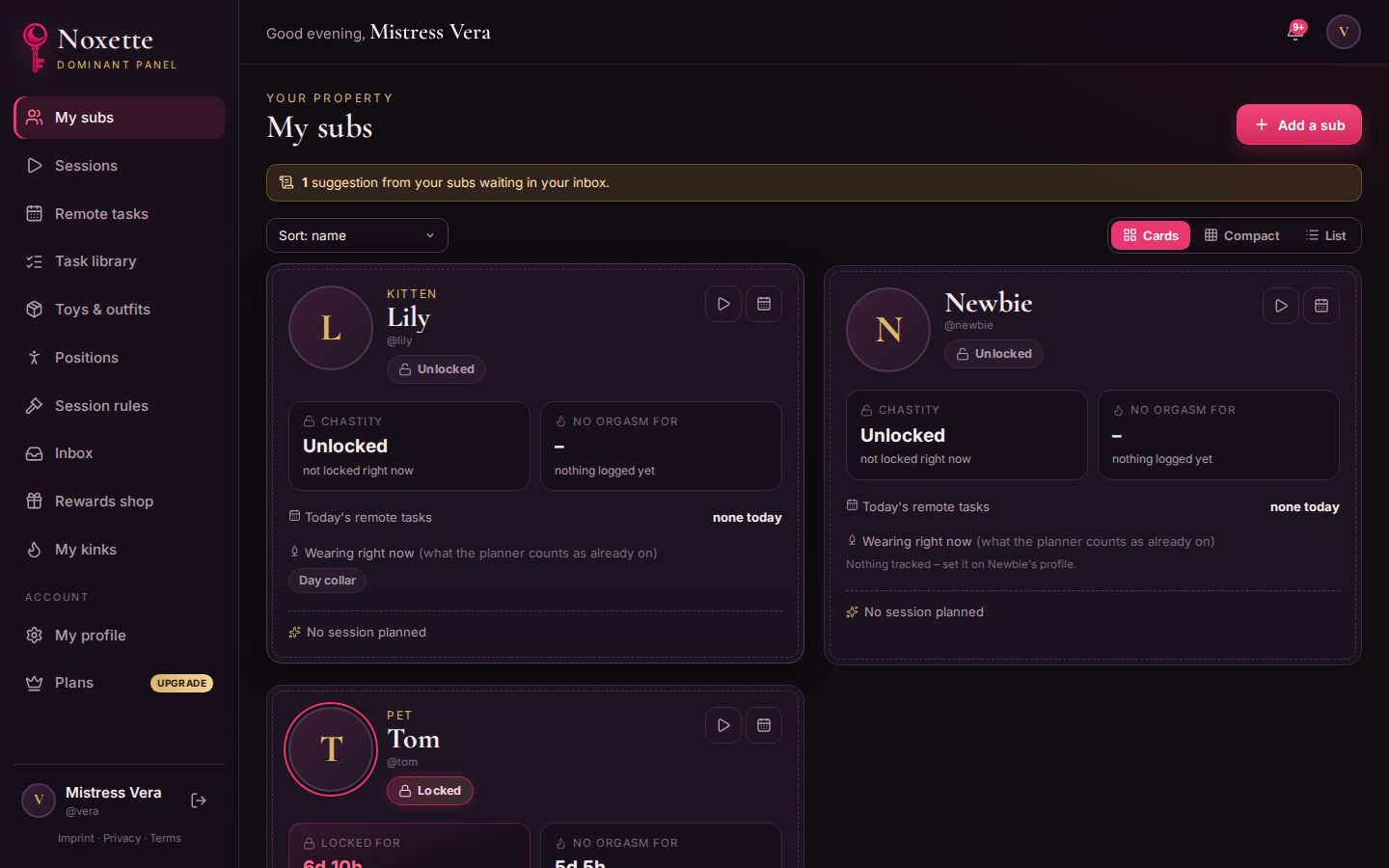
With more than one sub, switch My subs between Cards, Compact and List – Noxette remembers your choice.
Let them suggest
Allow submissions and your sub can suggest tasks for your library. You decide in your inbox.