
Tutorials / Start here
Getting started as a dominant
Create your account, fill your library in minutes and get to know the parts of Noxette.
Noxette is organised around three things: your library (what you own and what you like to do), your subs, and plans – sessions and remote tasks.
1. Create your account
Open Create account, choose Dominant, a username and a password with at least eight characters. Pick a title if you like – Mistress, Sir, Daddy – it is shown to your subs.
You can also say which body parts you have. It is optional, and it keeps the planner from suggesting what cannot work – you can change it later in your profile.
2. Fill your library
Go to Toys & outfits. A starter kit is already there. Open the library to add more with one tap – toys, outfits, furniture, each with sensible defaults for what it blocks: a gag blocks speech, a blindfold blocks sight, a chastity device blocks touch.
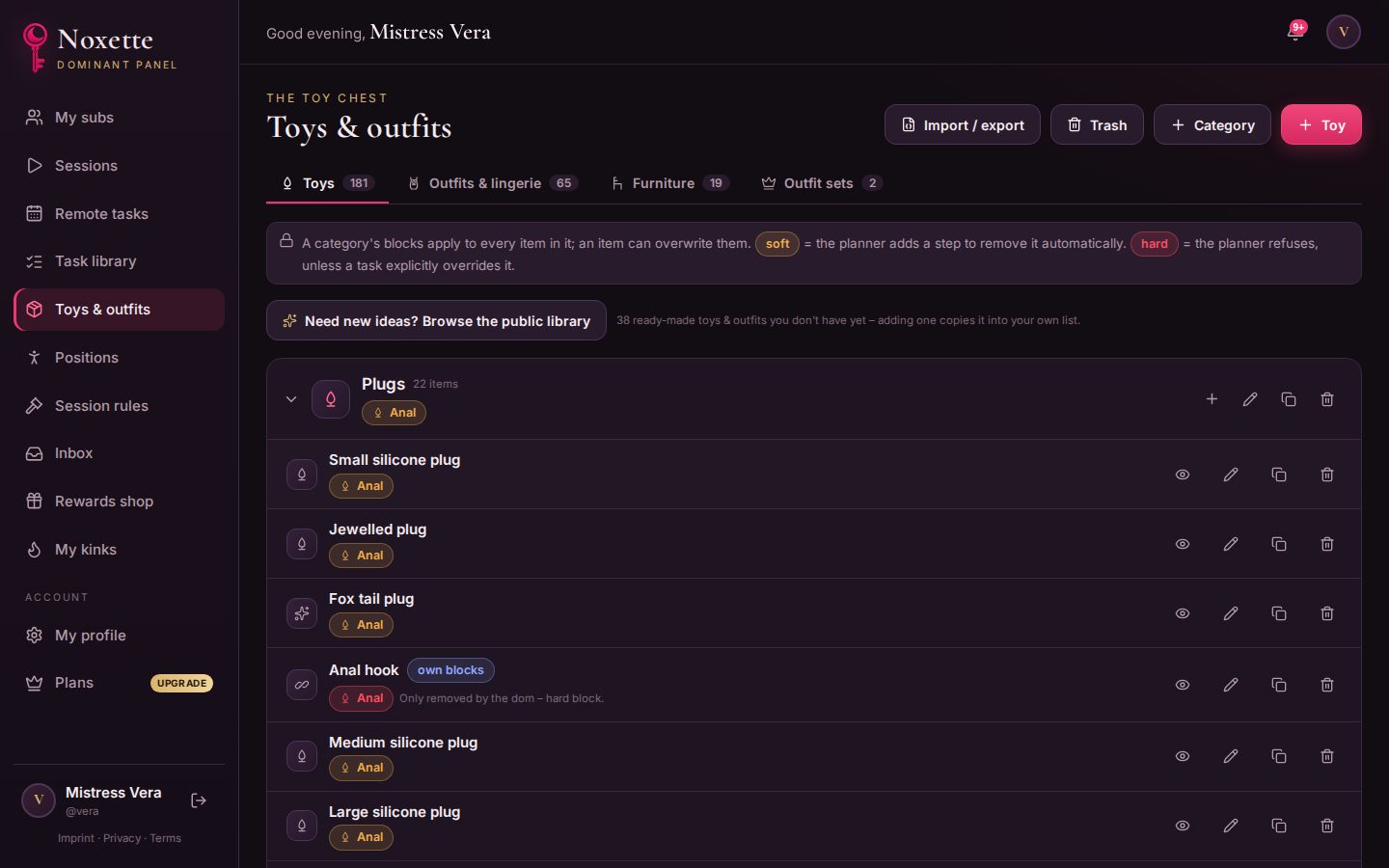
Do the same in the Task library: positions, restraints, impact, teasing, rituals, aftercare. Every task knows what it needs (items, access, a position) and how long it usually takes.
3. Add your sub
Your sub signs up themselves and shows you their collar – scan it or enter its code on My subs. See Adding your sub.
4. Plan your first session
Open Sessions → New session – or let the session wizard build your first one in a minute. Continue with Planning a session.